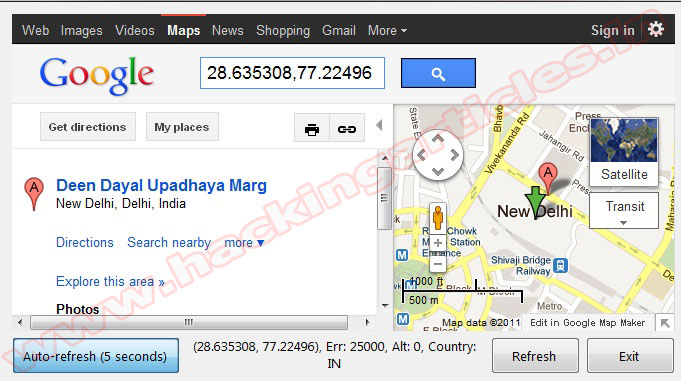
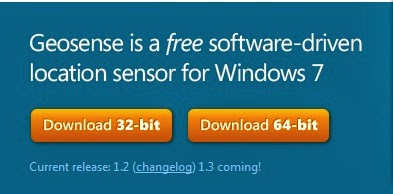
Geosense is a Windows Sensor that provides the Location and Sensors platform in Windows 7 with accurate and reasonably ubiquitous positioning information without requiring or the assistance of GPS hardware, enabling more practical location-based applications and scenarios on Windows 7.
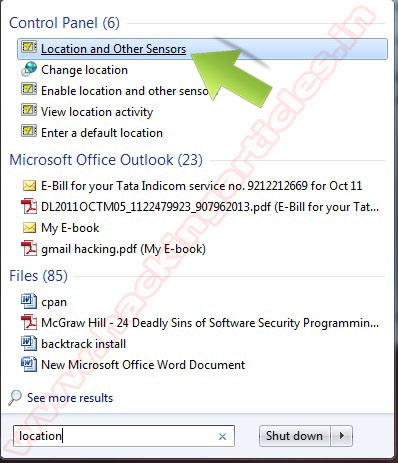


After installing the sensor, you need to enable Geosense. Go to your > Windows Start menu, search for > location, and select > Location and Other Sensors from the results listed under > Control Panel.
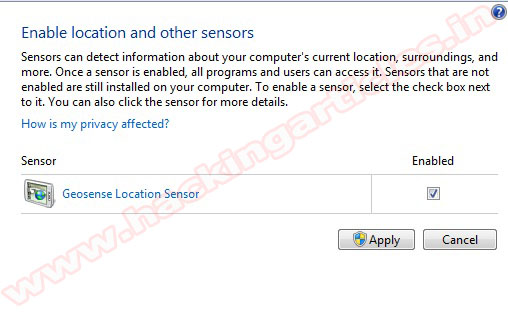
Click Enable check box than click Apply
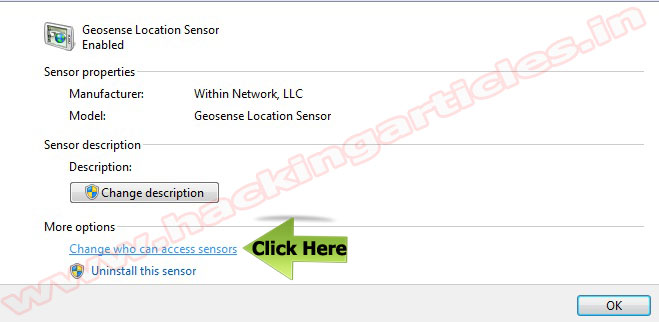
To view more information Click on Change who can access sensors
Download Google maps demo client the app reveals your current location on a Google map and allows you to quickly locate facilities in your area.